
Free consultation
Headache? Fever? Pain that won't go away? Talk to a doctor or nurse for free
That headache that keeps coming back. The stomach pain you keep managing. The fever you hope will just pass. Stop guessing and stop self-medicating. Speak to a verified doctor or nurse for free, from your phone. Here is how to claim your free consultation.
- A real, verified doctor or nurse on video
- Free. No money needed in your wallet
- No hospital queue. Just your phone and internet
Step 1: Sign in to EmergencyEcho
Go to www.emergencyecho.org/login and sign in. New here? Create your account first; it takes about 5 minutes.
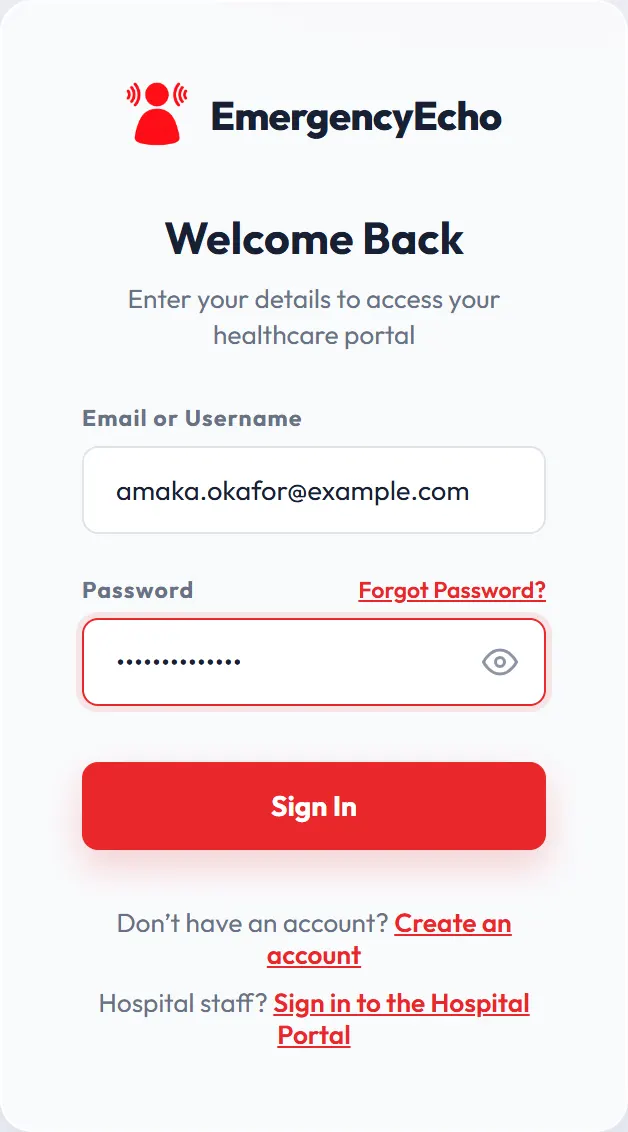
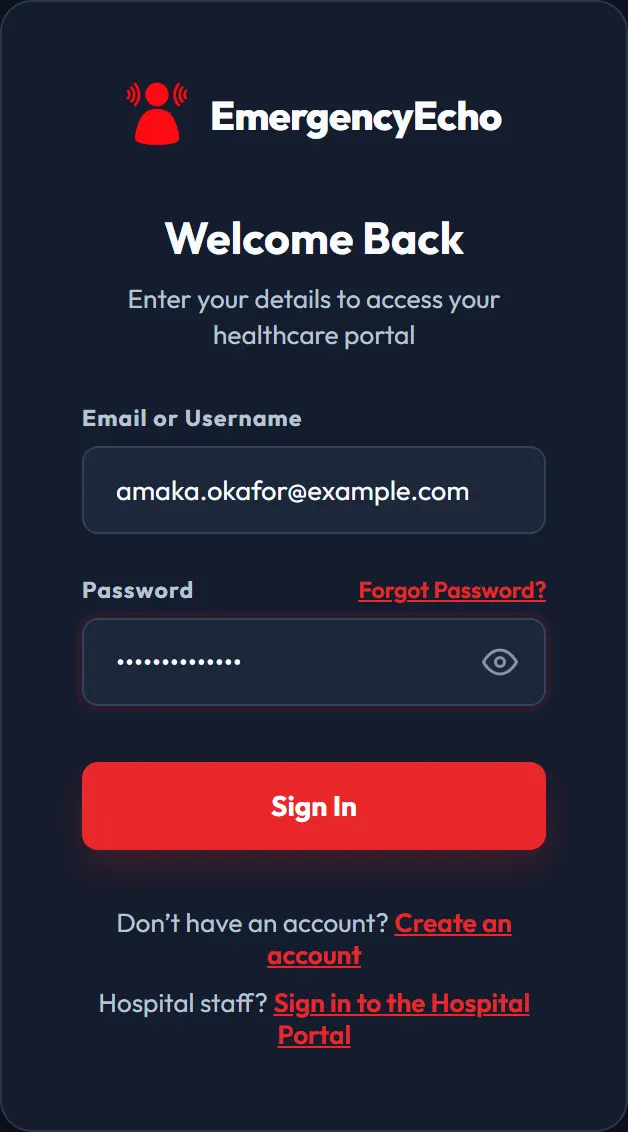
The sign-in page Step 2: Tell us what is troubling you
On your home screen, scroll down to Quick Help and tap what is troubling you, such as Headache, Fever, Stomach / Abdominal Pain or Cough.
Prefer to speak? Tap Talk to Echo at the top of your home screen and describe how you feel.
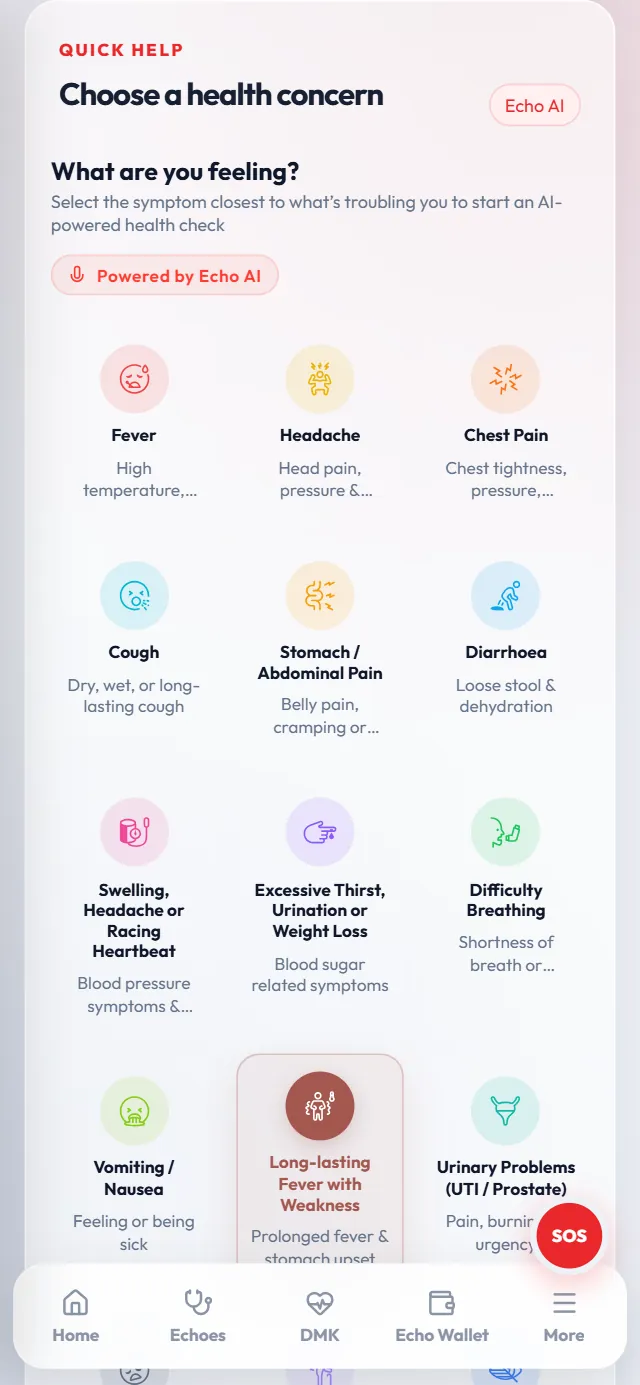
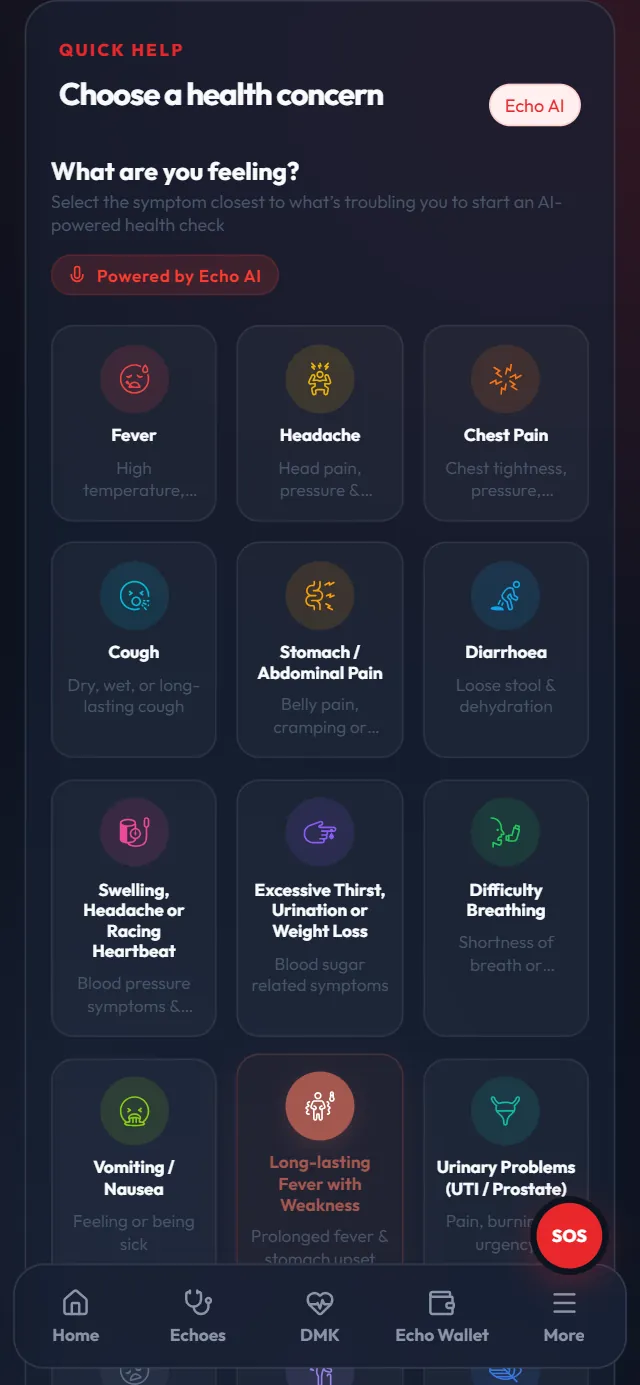
Tap the closest match Step 3: Answer a few quick questions
Tap the answer that fits and then Next question. Your answers help the doctor or nurse understand your pain before the call starts. At the end, check your answers and tap Submit intake.
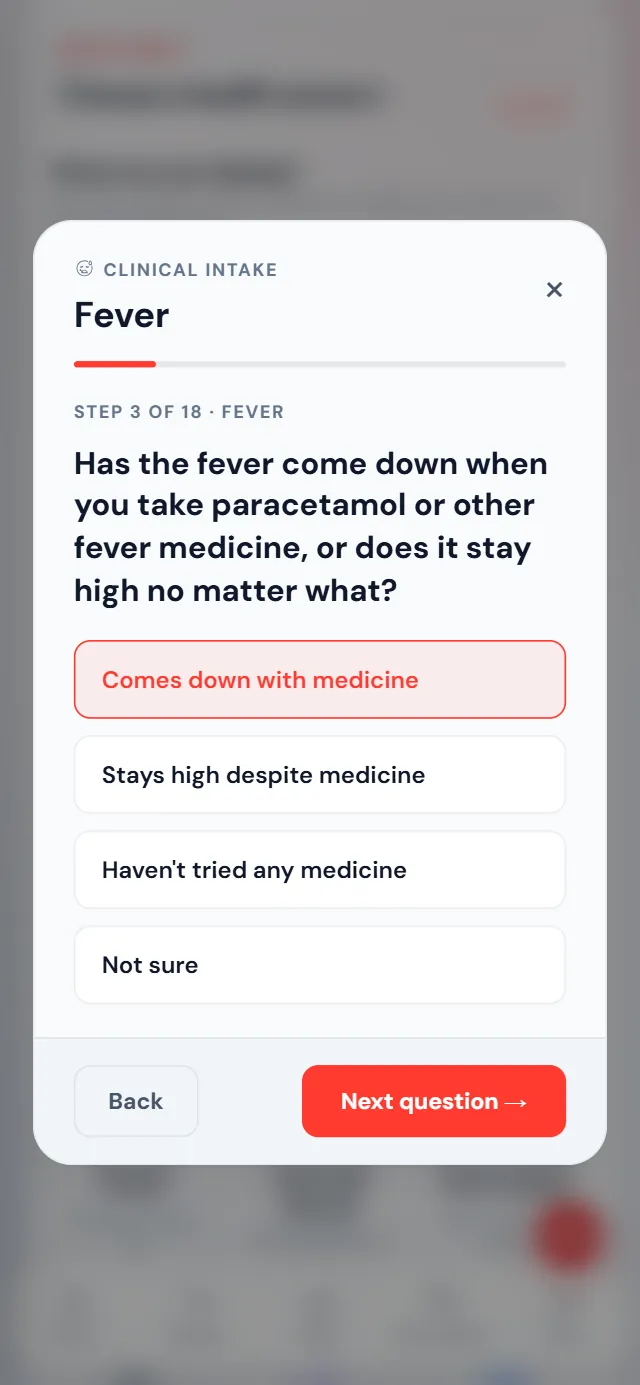
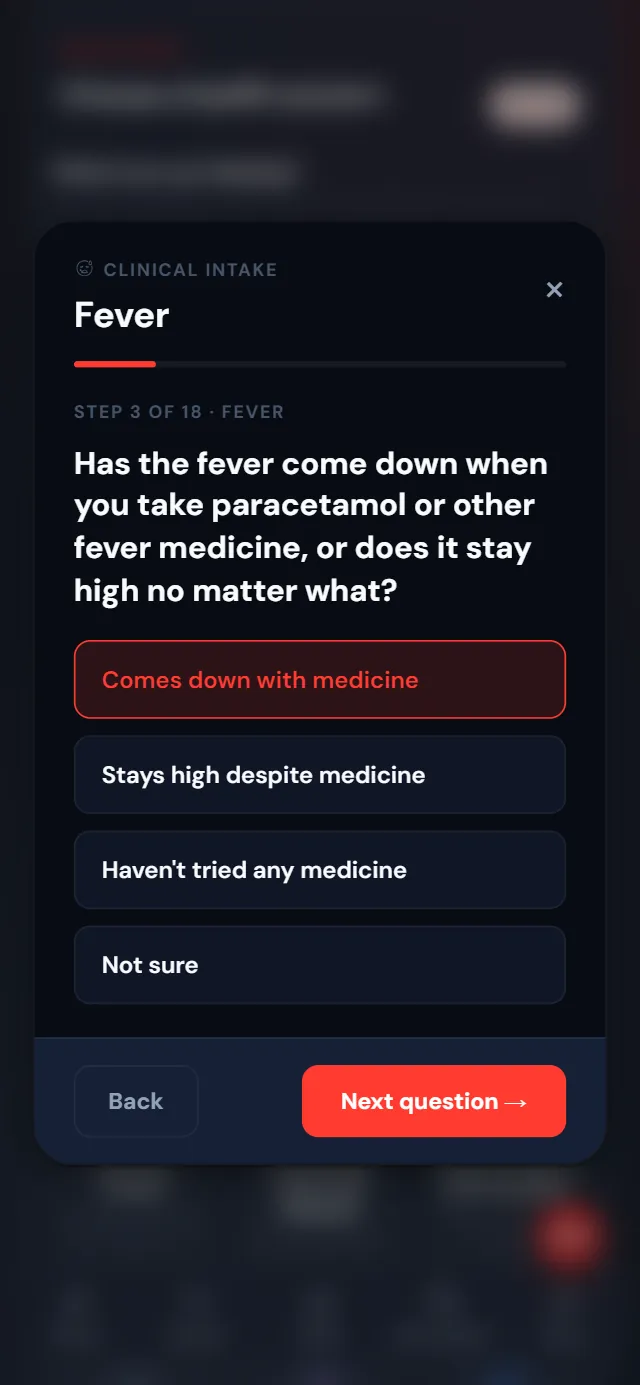
One question at a time Step 4: Tick any warning signs
Tick every sign you have, and tick nothing if none apply. Please be honest here, because it decides how quickly you are seen.
Some serious signs send you straight to a doctor, and you won't see the free option. If your life is in danger, tap SOS or go to the nearest hospital.
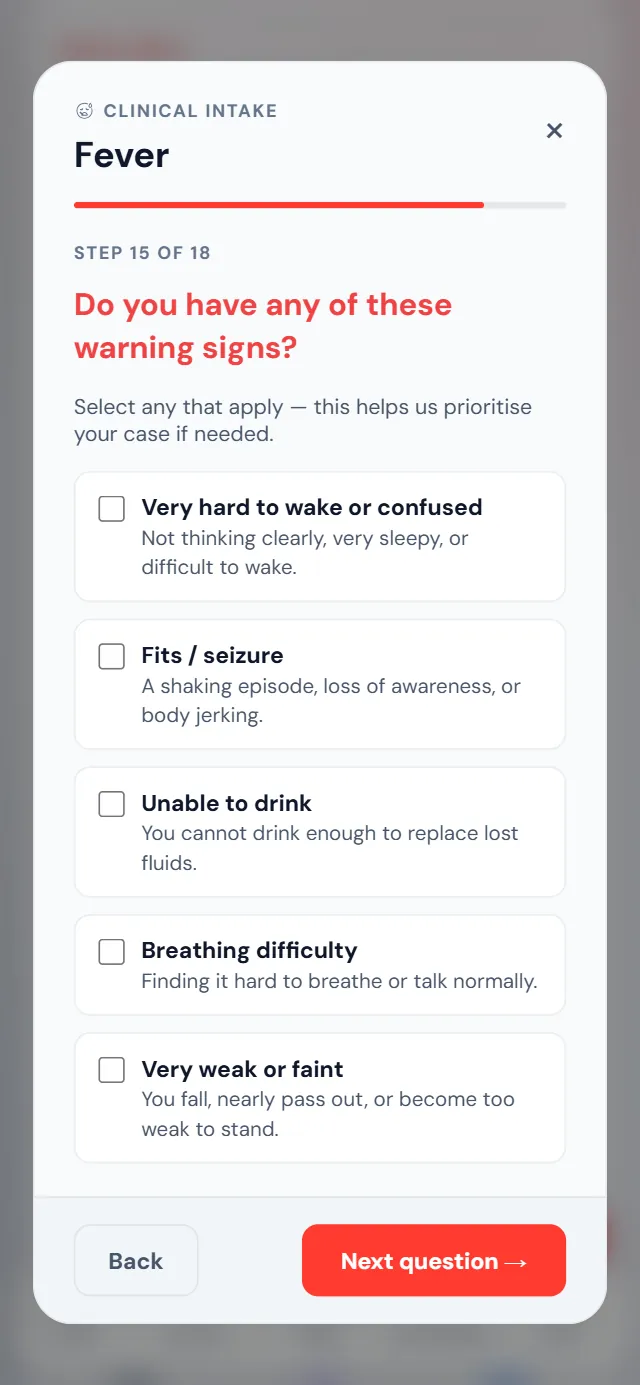
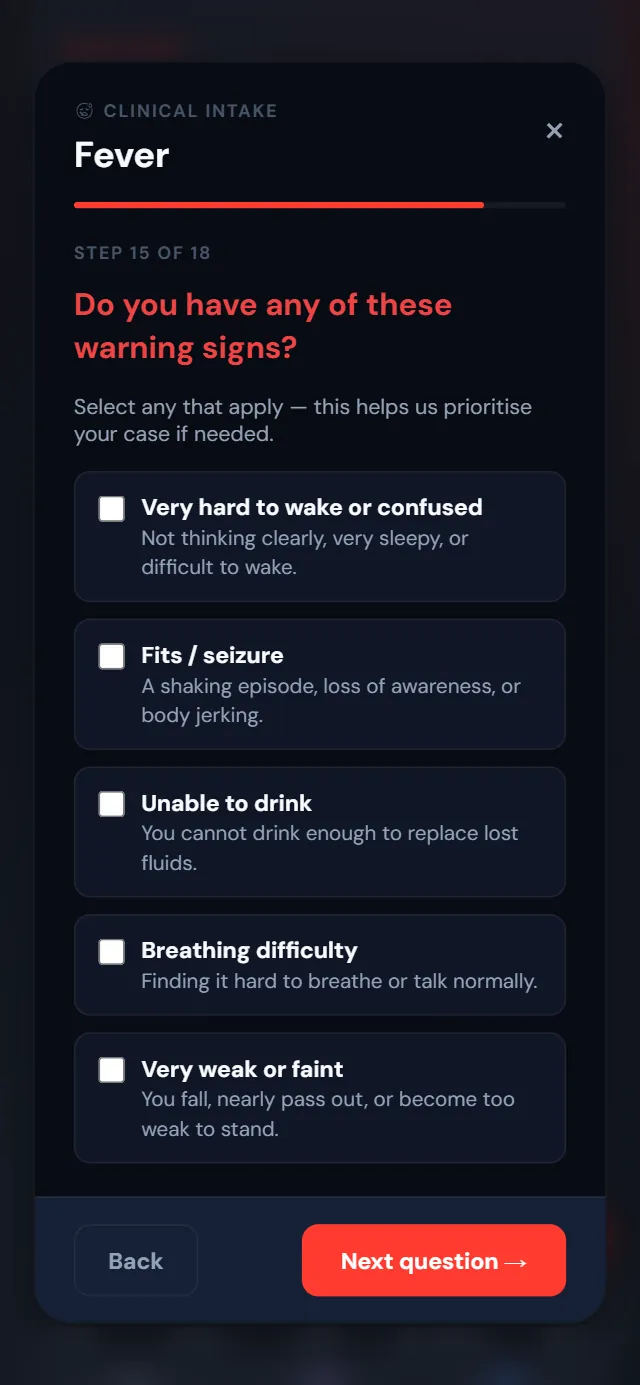
Tick only what applies to you Step 5: Claim your free consultation
Tap the option marked FREE so it is highlighted, then tap Pay & Join Queue. You will not pay a kobo, even with ₦0 in your wallet.
The other options on this screen are paid consultations, charged to your Echo Wallet.
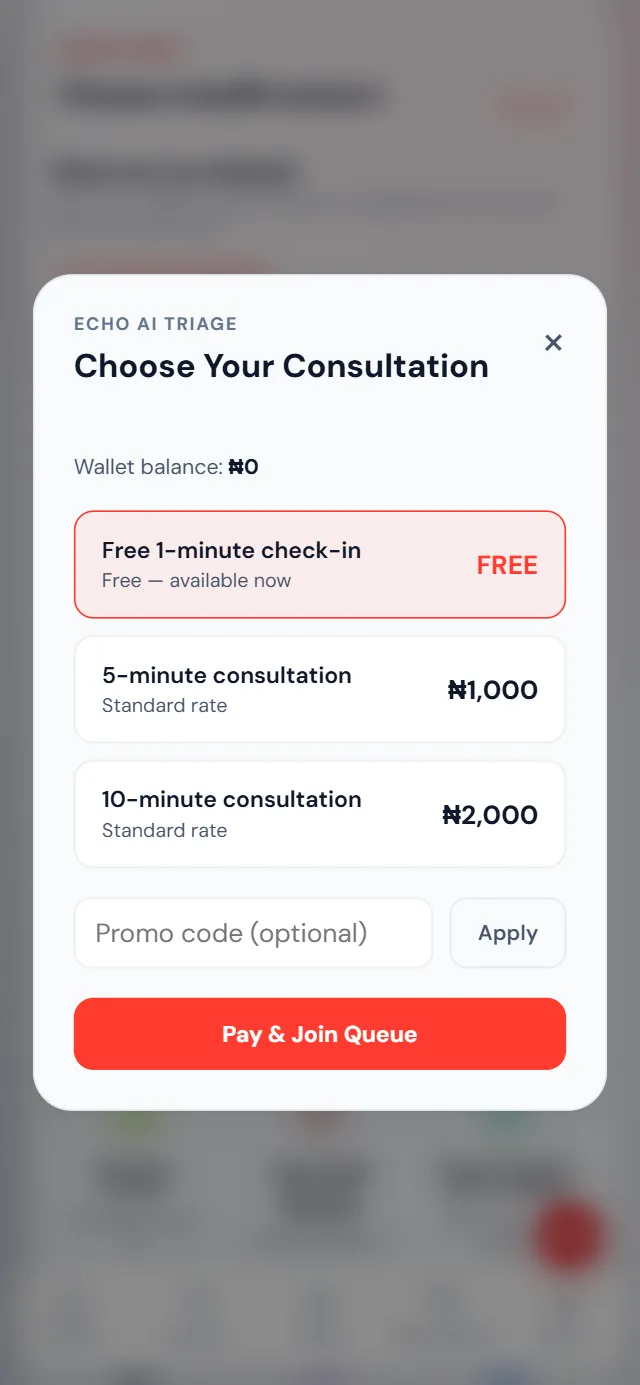
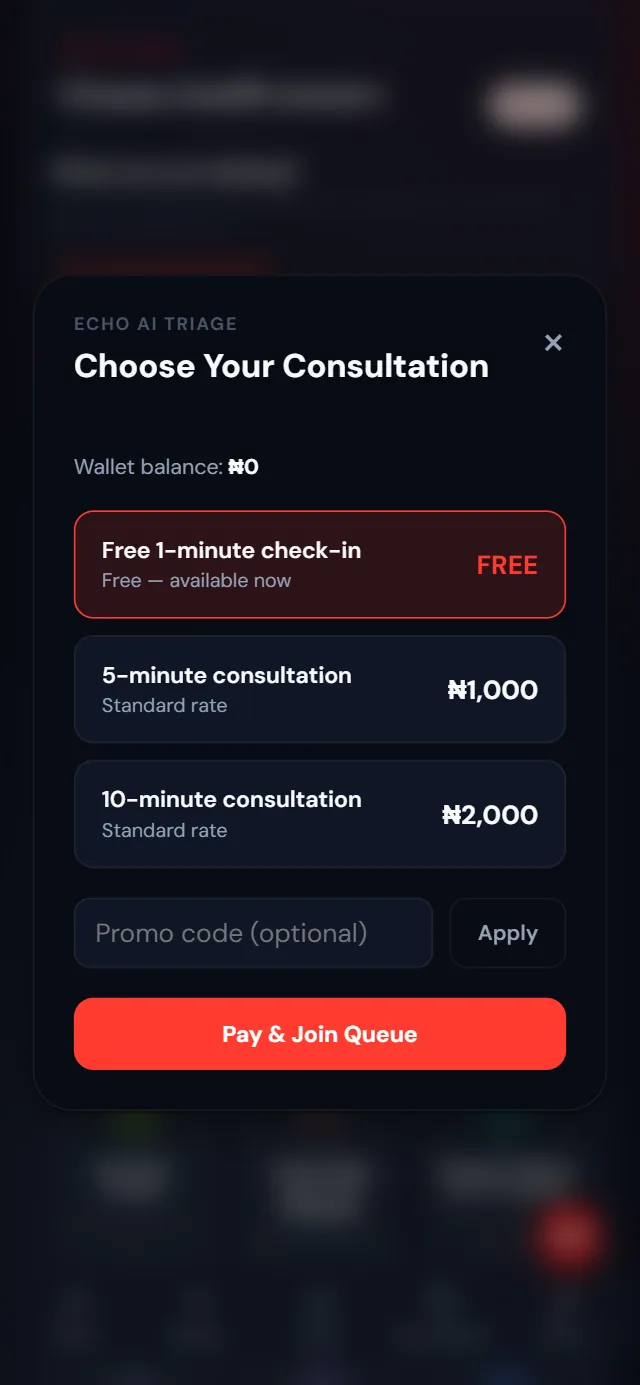
The free option shows FREE on the right - Stay on this screen
Step 6: Stay here while a doctor or nurse takes your case
You are now in the queue. Keep this screen open, and it will move on by itself when a doctor or nurse accepts your case. Your answers decide which of them sees you.
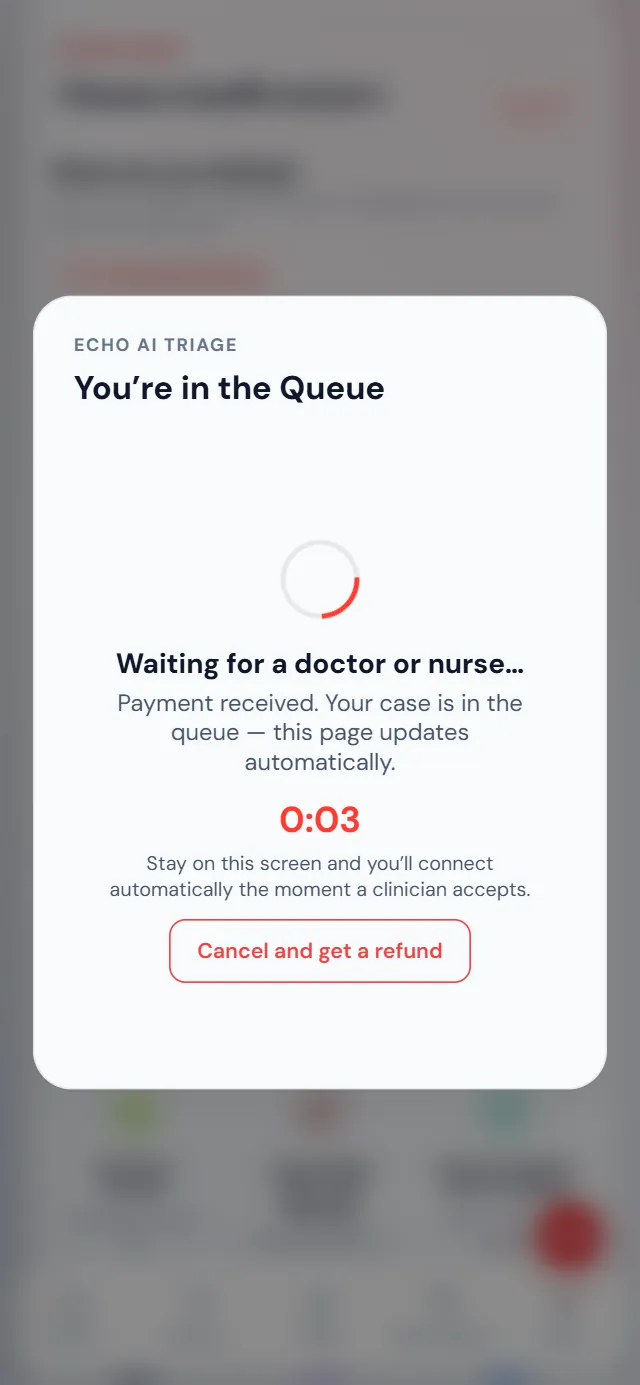
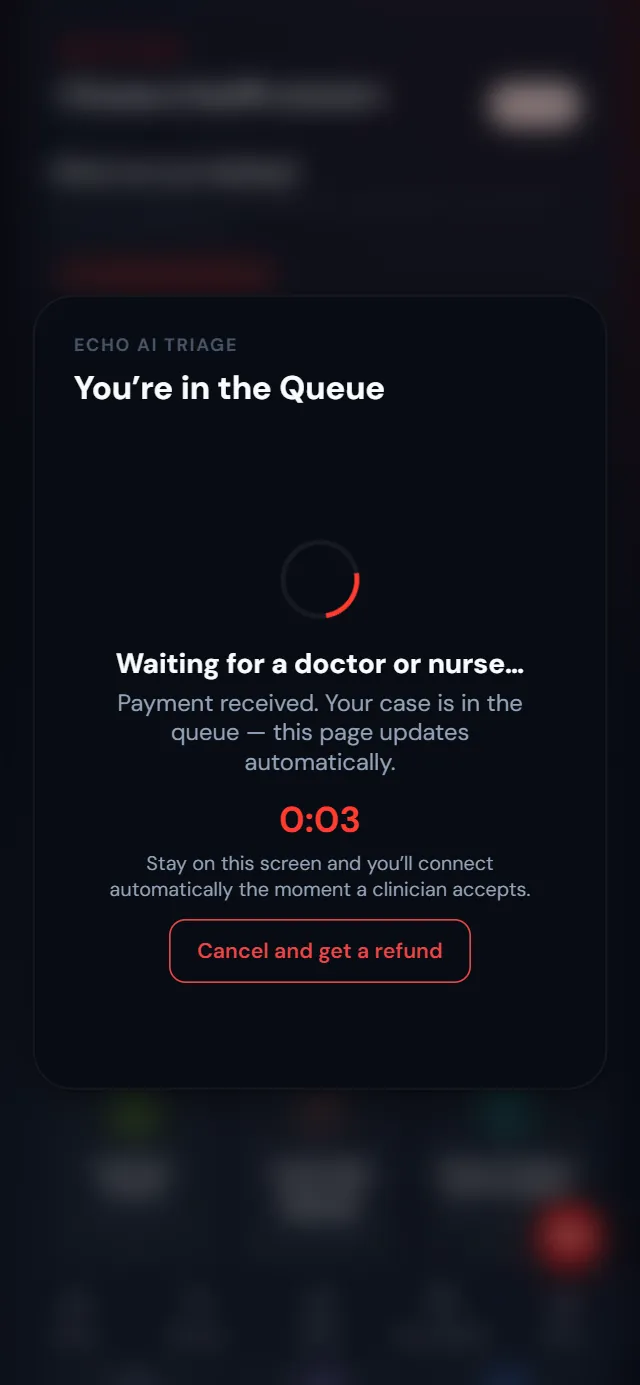
This page updates by itself - Your consultation starts
Step 7: Talk to your doctor or nurse
Tap I understand, join the call. If your phone asks, tap Allow for the camera and microphone. You are now on video with your doctor or nurse, so tell them exactly how you feel.
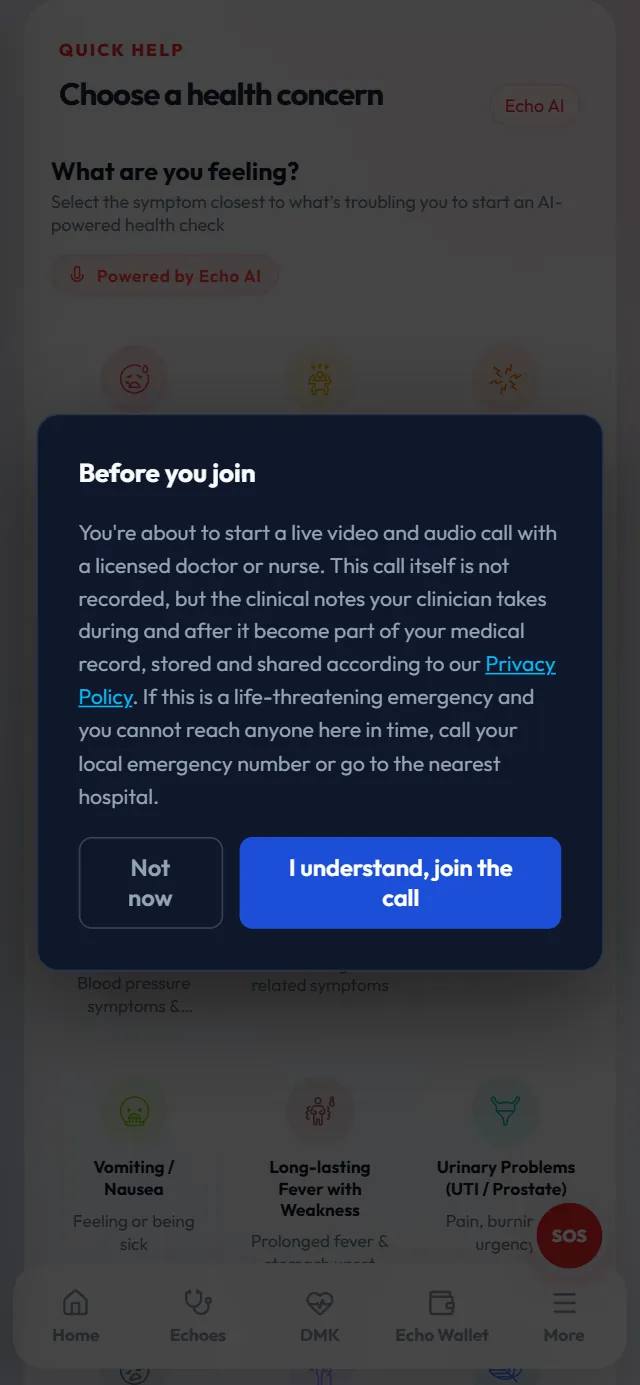
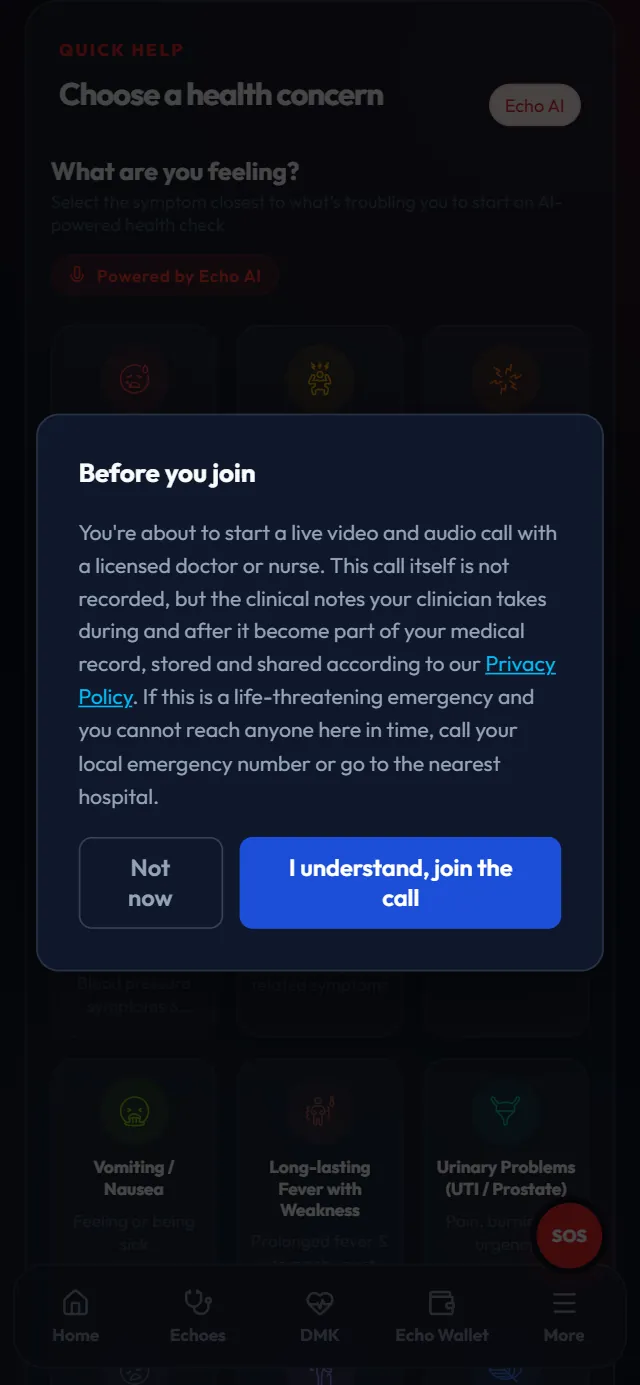
One tap to join
If something goes wrong
It says "Not available right now"
You have used your free consultation recently, or you are on a paid plan, which uses your plan calls instead. Check back soon, or choose a paid consultation.
No one has accepted yet
Please stay on the screen. If no one accepts in time, the request ends and your free consultation comes back so you can try again.
I changed my mind while waiting
Tap Cancel and get a refund. You pay nothing, and your free consultation comes back.
The camera or microphone won't work
Allow them for www.emergencyecho.org in your browser's site settings, then reload the page.
Screens show a sample patient with made-up details. Still stuck? Email support@emergencyecho.org.
Don't keep managing that pain alone
Create your account and claim your free consultation with a doctor or nurse.