
Guide for doctors and nurses
Volunteer in the community from your own doctor or nurse account
Already on EmergencyEcho as a doctor or nurse? Screen people at markets, churches and home visits with the same login and wallet. Another doctor or nurse sees them by video on your phone, and you follow them until their care is confirmed.
- Same account, email and wallet. No second sign-up
- Earn 15% of every paid Echo you book, plus ₦100 per confirmed care
- You never get your own screened people in your clinician queue
Step 1: Open Community volunteering
Sign in to your doctor or nurse account as usual. Open the menu and tap Community volunteering, at the bottom. In the app, it is under More.
Still waiting for your MDCN or NMCN check? You can volunteer in the meantime.
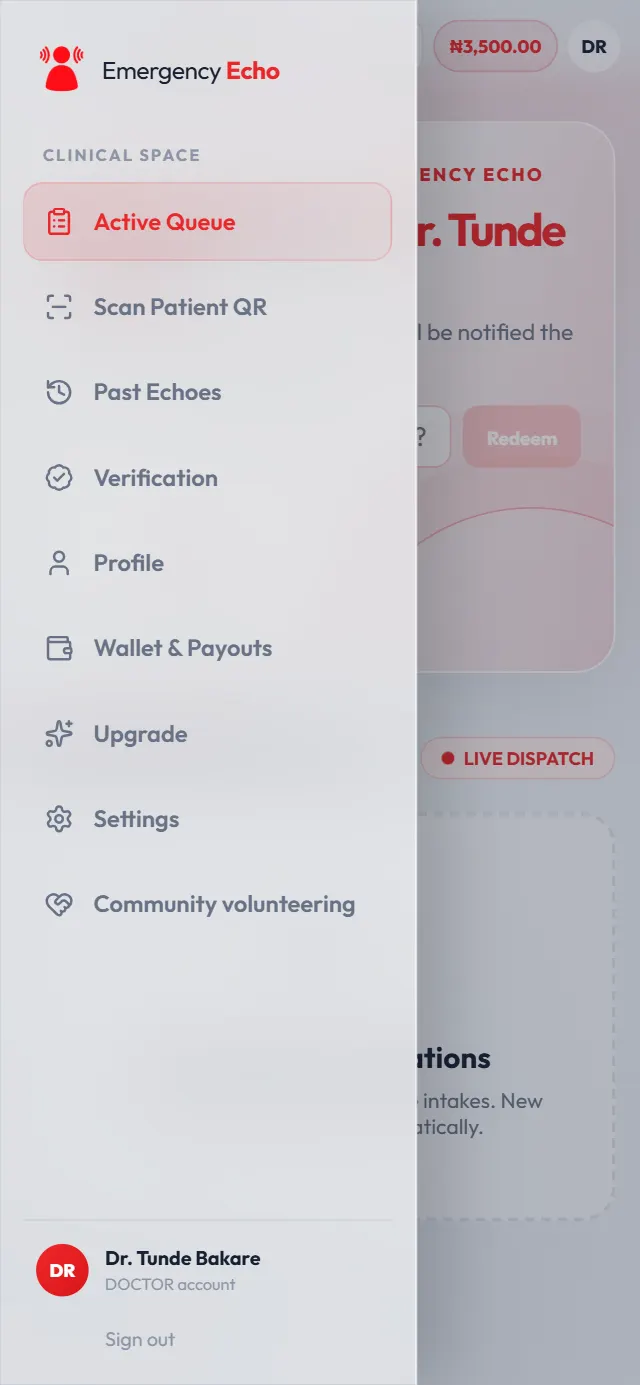
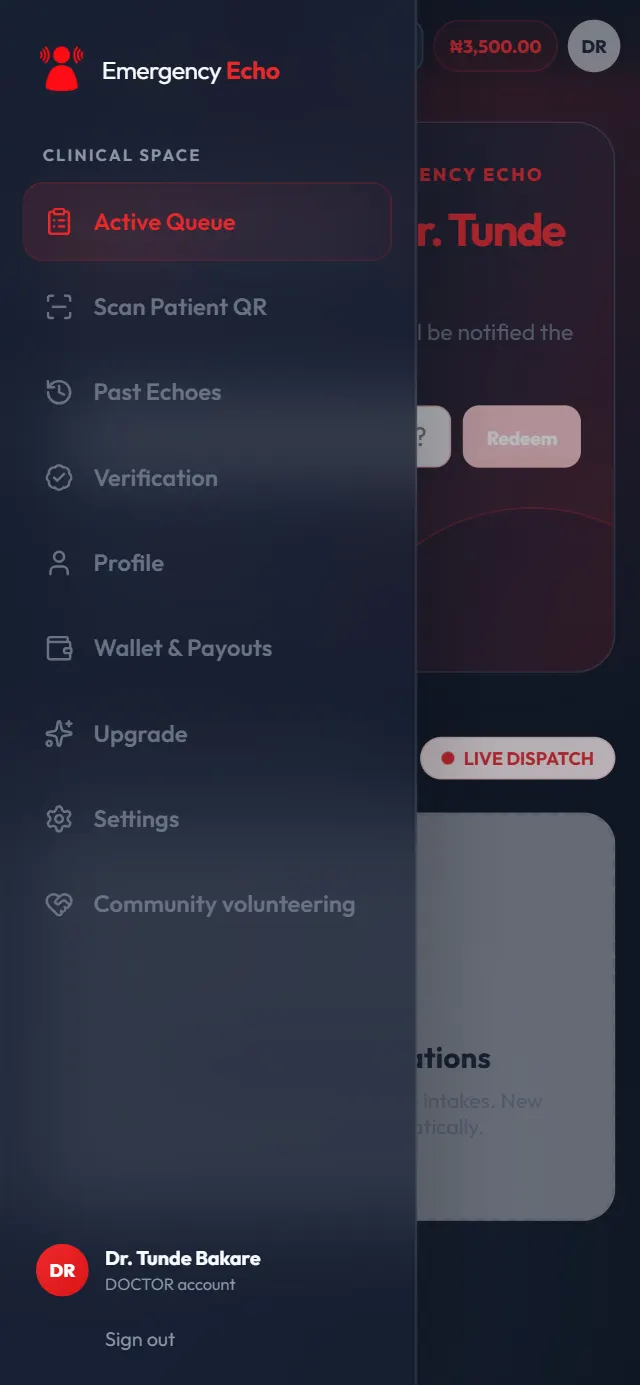
Your clinician menu Step 2: Ask to volunteer
Read how volunteering works and tap Ask to volunteer. You only do this once.
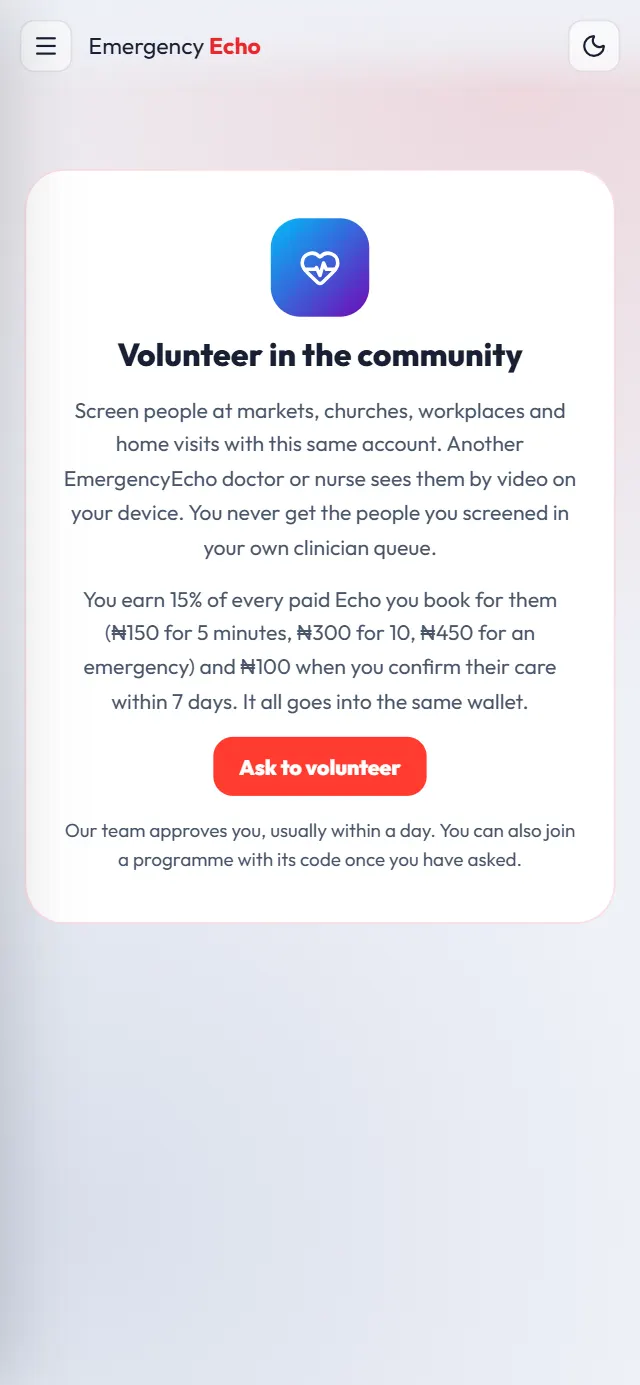
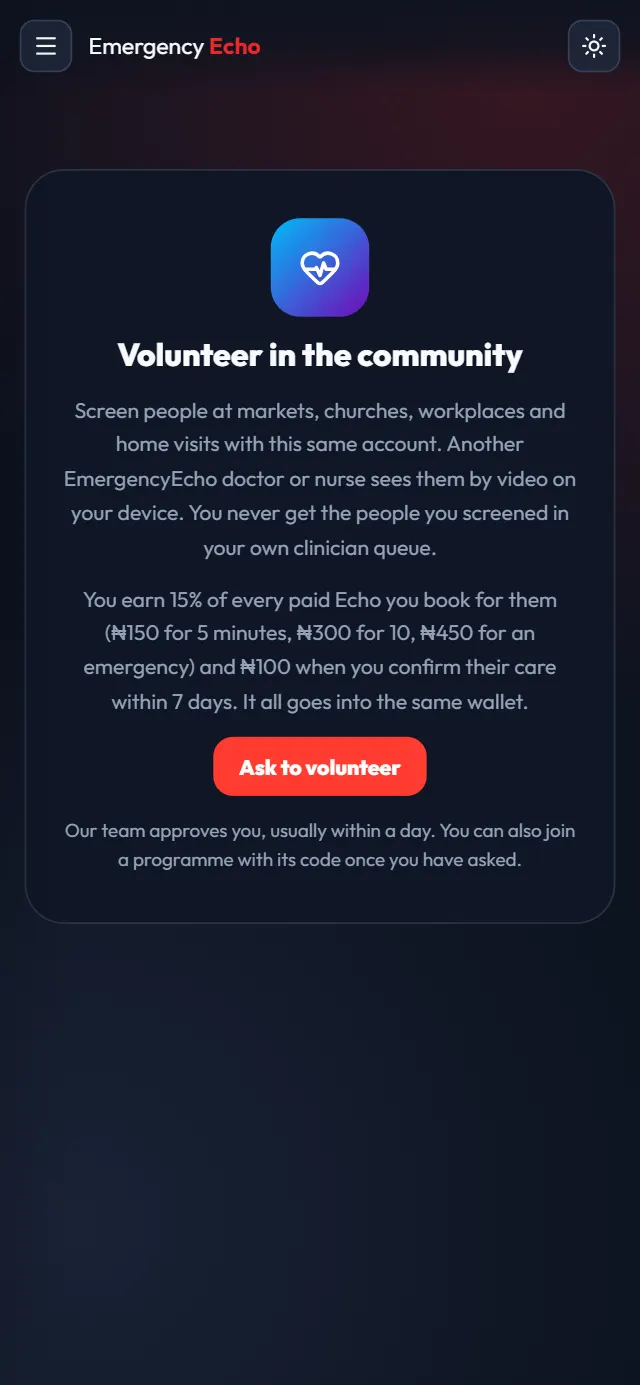
One tap to ask - Waiting for approval
Step 3: Wait for approval
EmergencyEcho's team approves you, usually within a day, and you get a notification. Meanwhile you can enter a programme code or apply to a funded campaign here, and keep working in your clinician dashboard as normal.
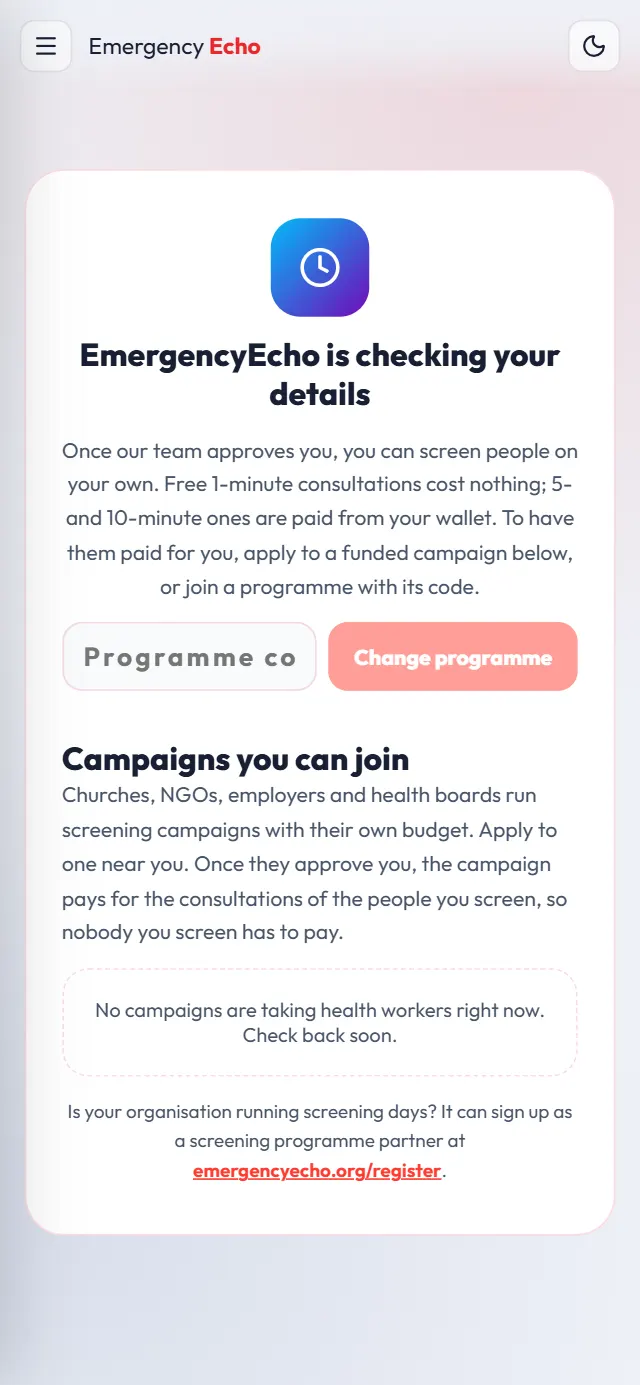
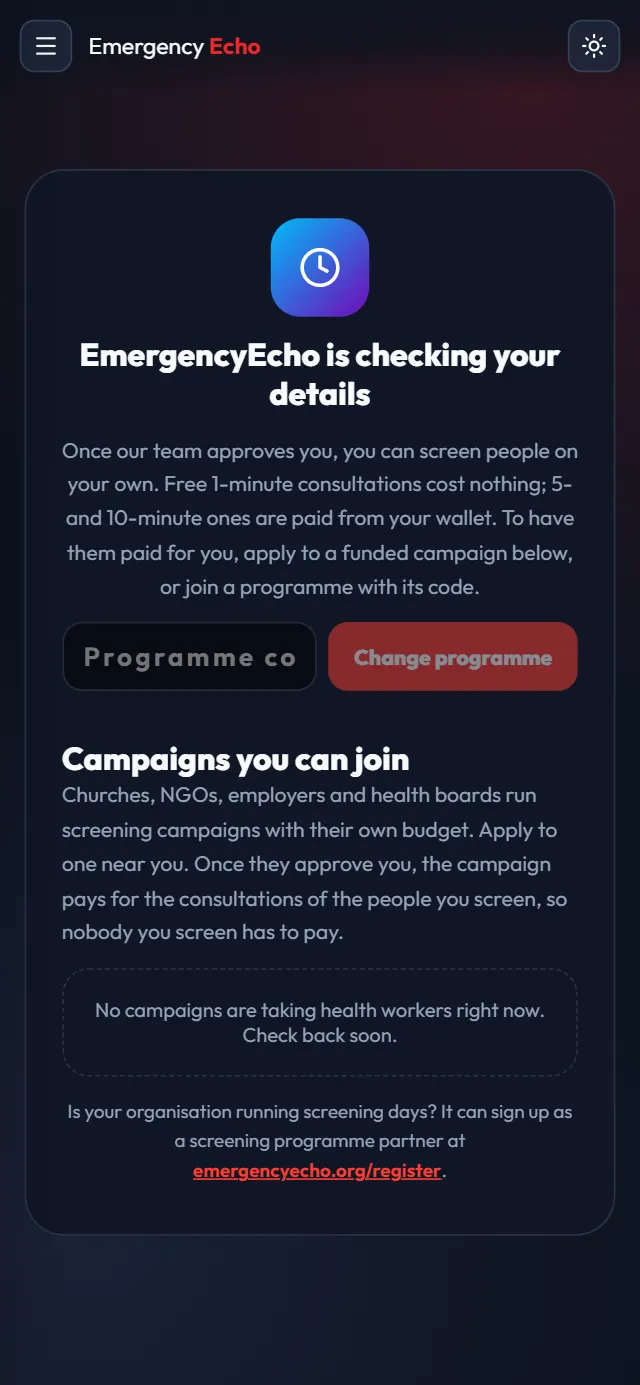
What you see while you wait - Approved
Step 4: Start screening
Open Community volunteering again. You now have the health worker screens: Today, Screen a person, My people, Campaigns and Earnings. Type where you are and tap Screen a person.
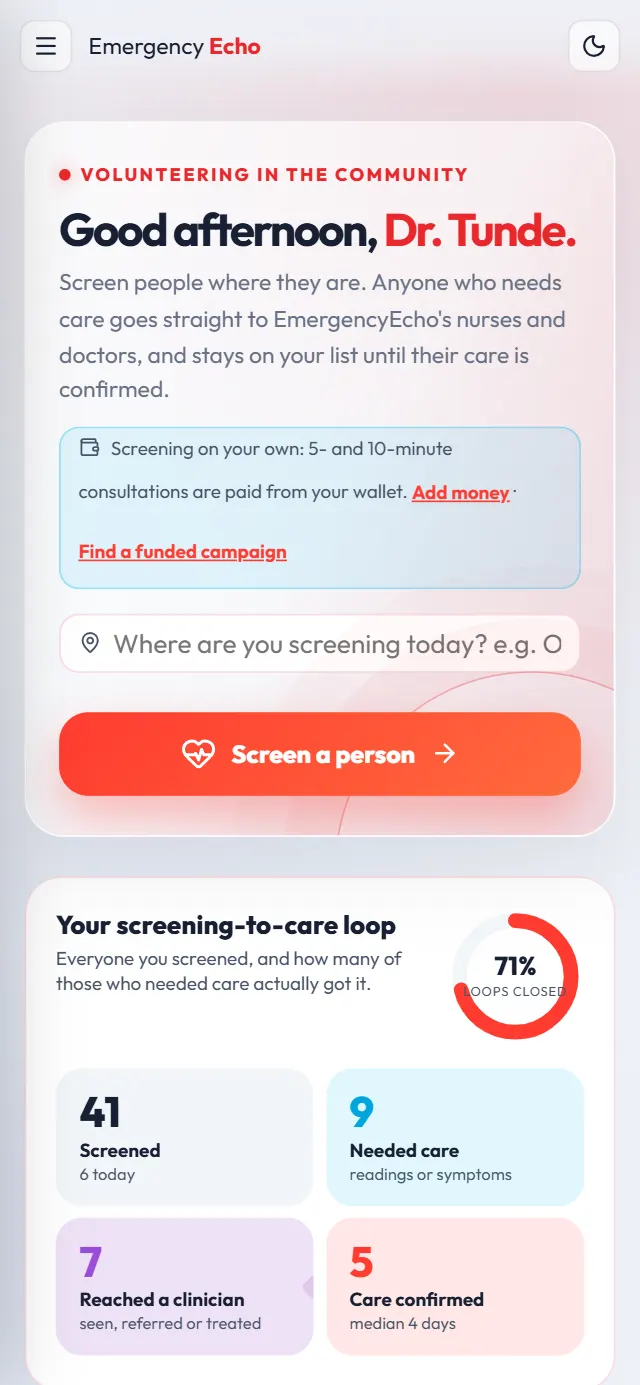
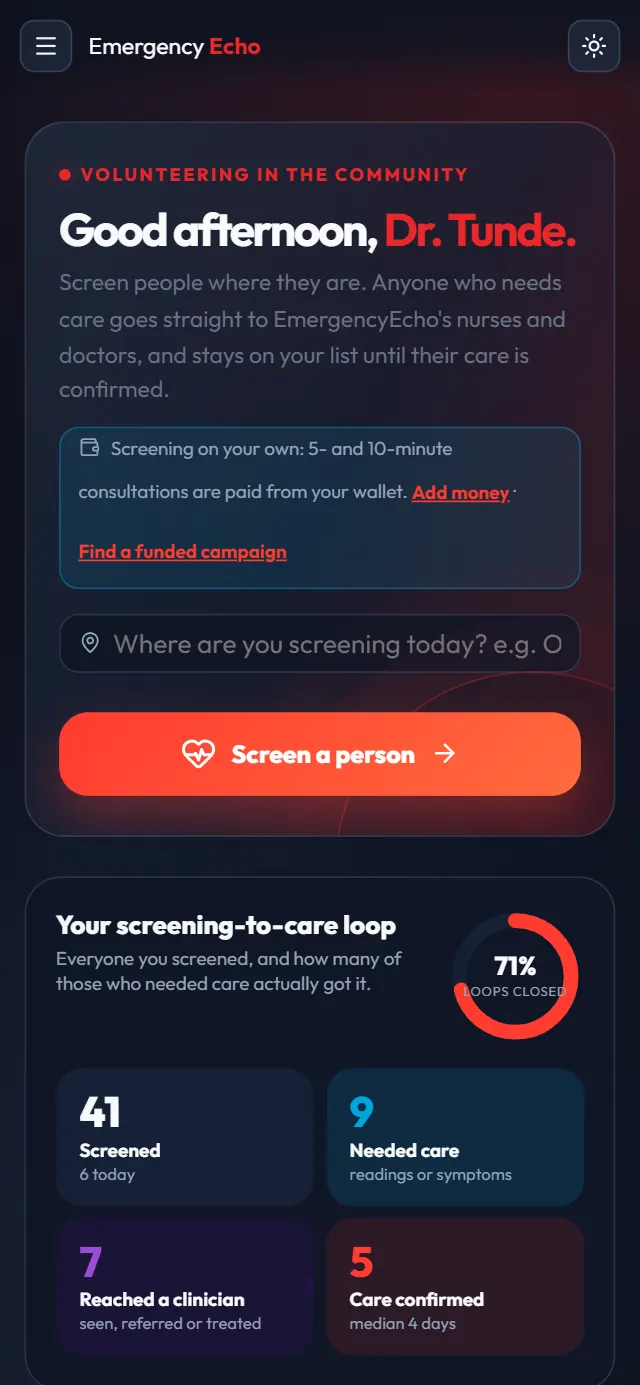
Your community Today screen Step 5: Screen and book, like a health worker
Enter the person's phone, name and age, read them the consent, add readings, pick their main problem and check for danger signs. Then book a 1-, 5- or 10-minute Echo.
Another doctor or nurse takes the call, never you: cases you screened are kept out of your own queue, so nobody is paid twice. Join the call with the person beside you.
Each screen is shown step by step in the health worker guide.
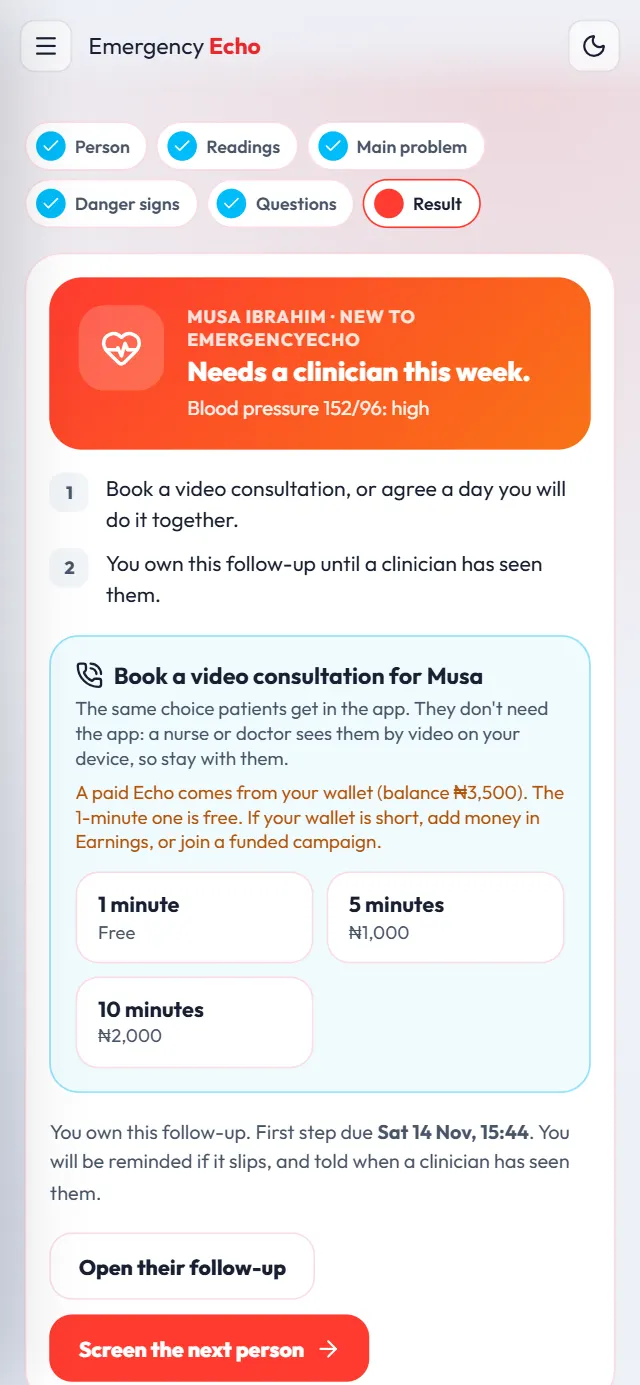
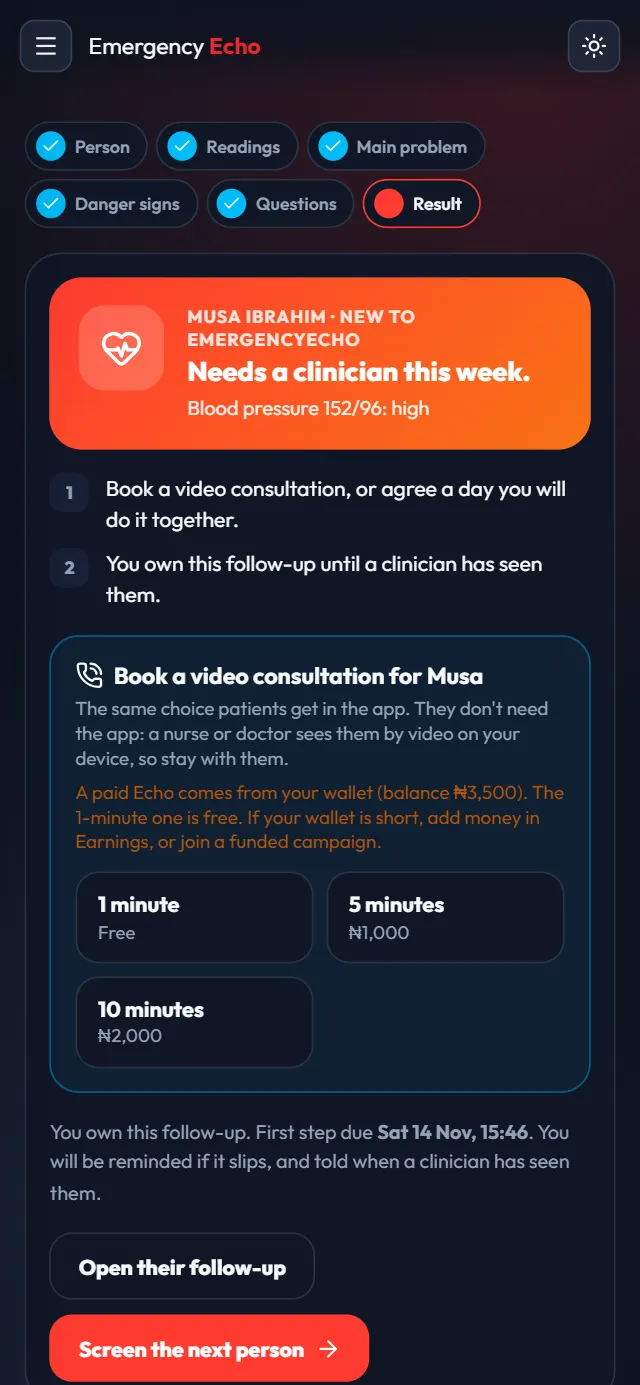
The result and the booking options Step 6: Follow them up and close with evidence
The people you screened stay under My people. Patients you treated for other health workers don't appear there. Once you have confirmed they got their care, tap Close with evidence and choose Care completed.
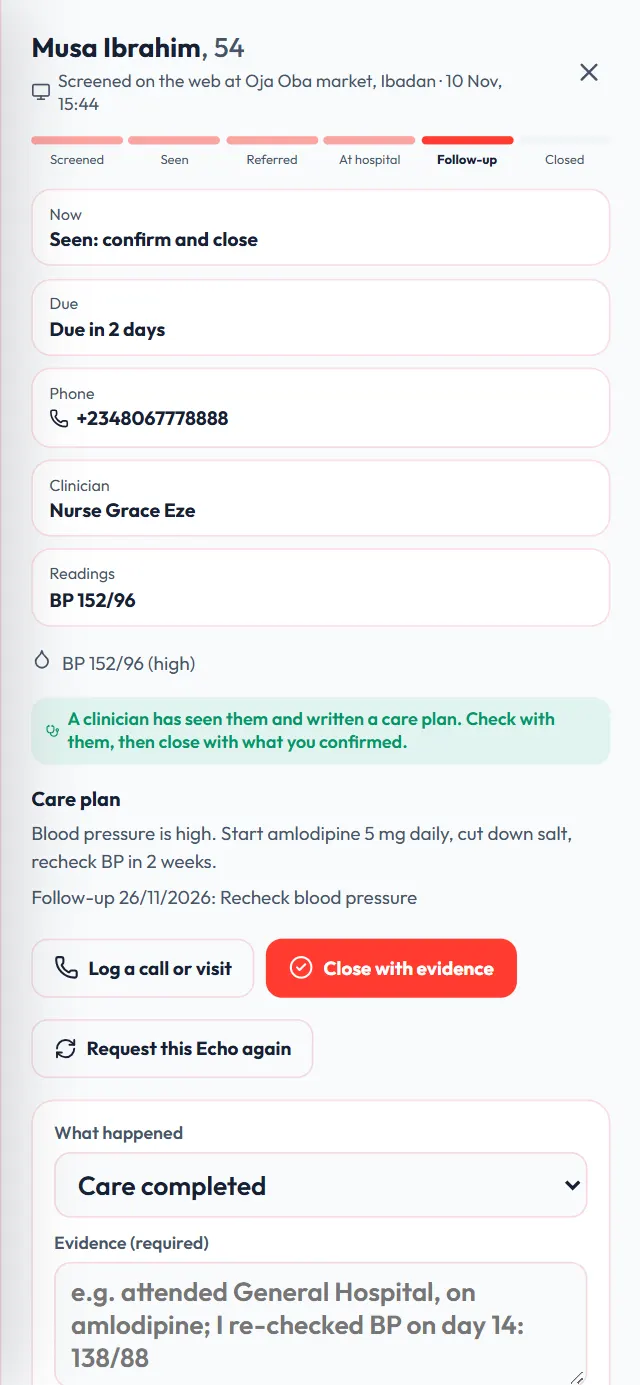
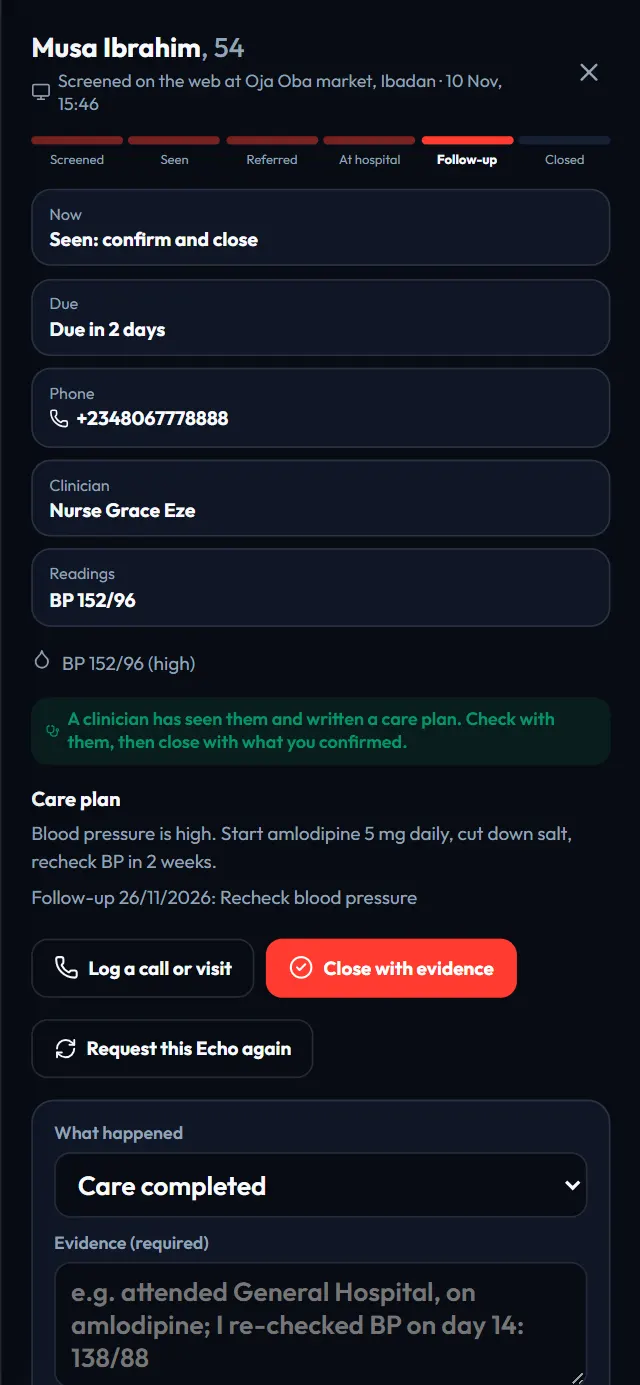
Closing a case with evidence Step 7: Your earnings land in the same wallet
Volunteering earns the same as for any independent health worker, paid by EmergencyEcho from its own share:
- 5-minute Echo (₦1,000): you earn ₦150
- 10-minute Echo (₦2,000): you earn ₦300
- Emergency (₦3,000): you earn ₦450
- Care confirmed within 7 days: ₦100 more, once per person
It goes into the same wallet as your consultation earnings, and you withdraw from Wallet & Payouts as usual.
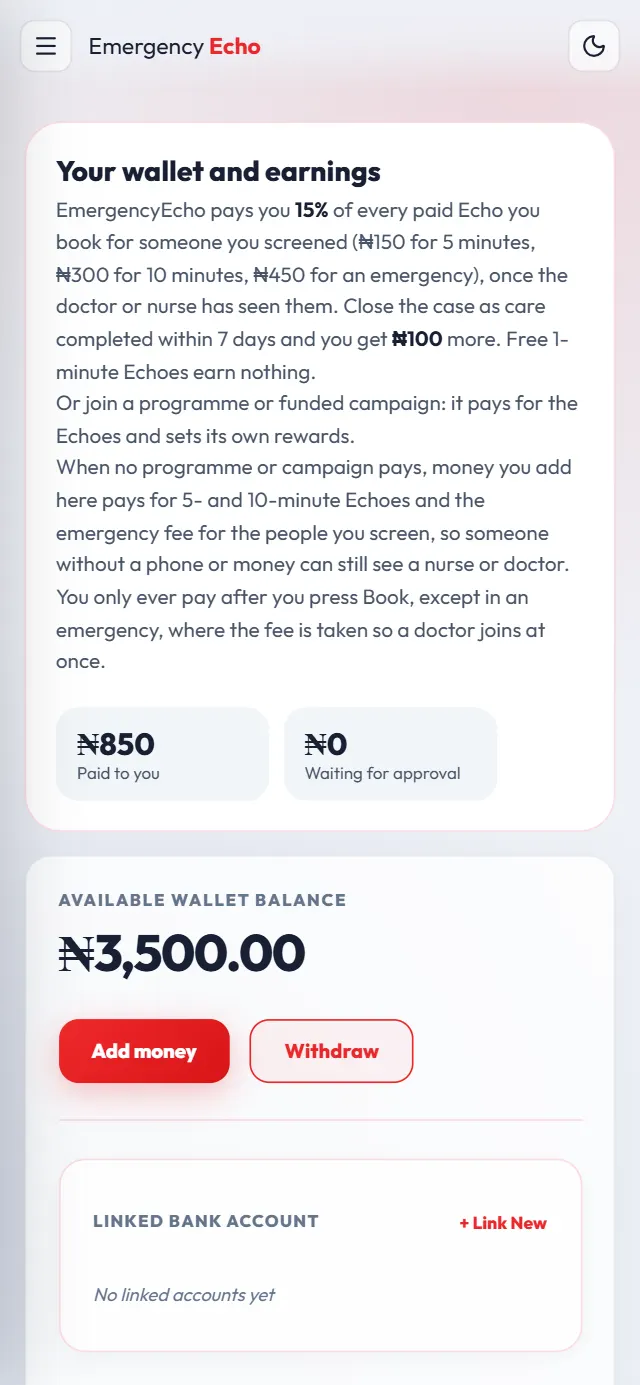
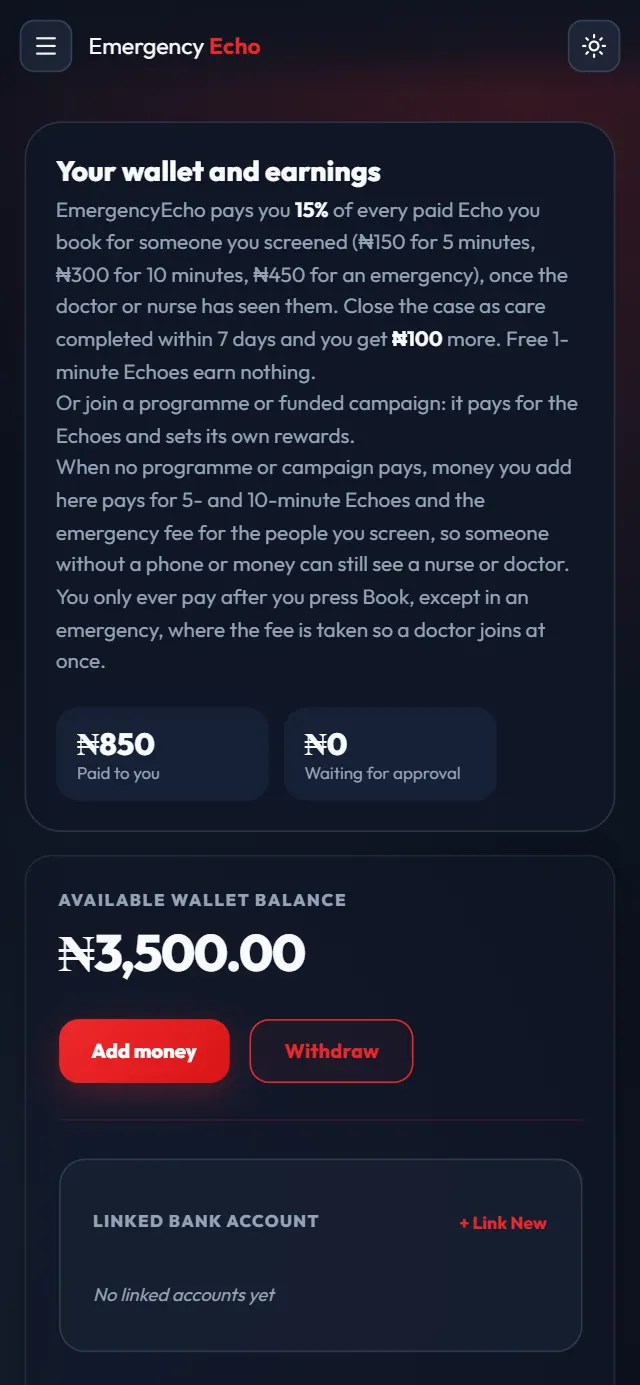
Your volunteer earnings Step 8: Switch back to your clinician dashboard
Open the menu and tap Back to clinician dashboard. In the app, tap the Clinic tab. The website remembers which dashboard you used last.
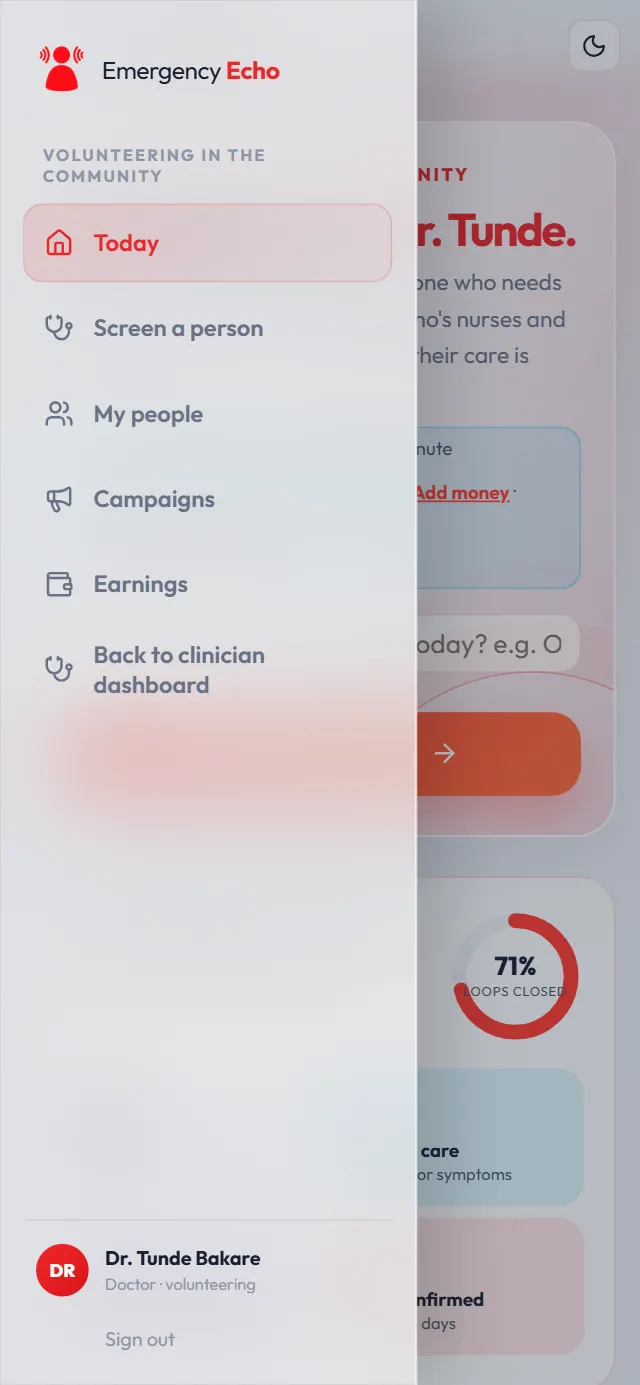
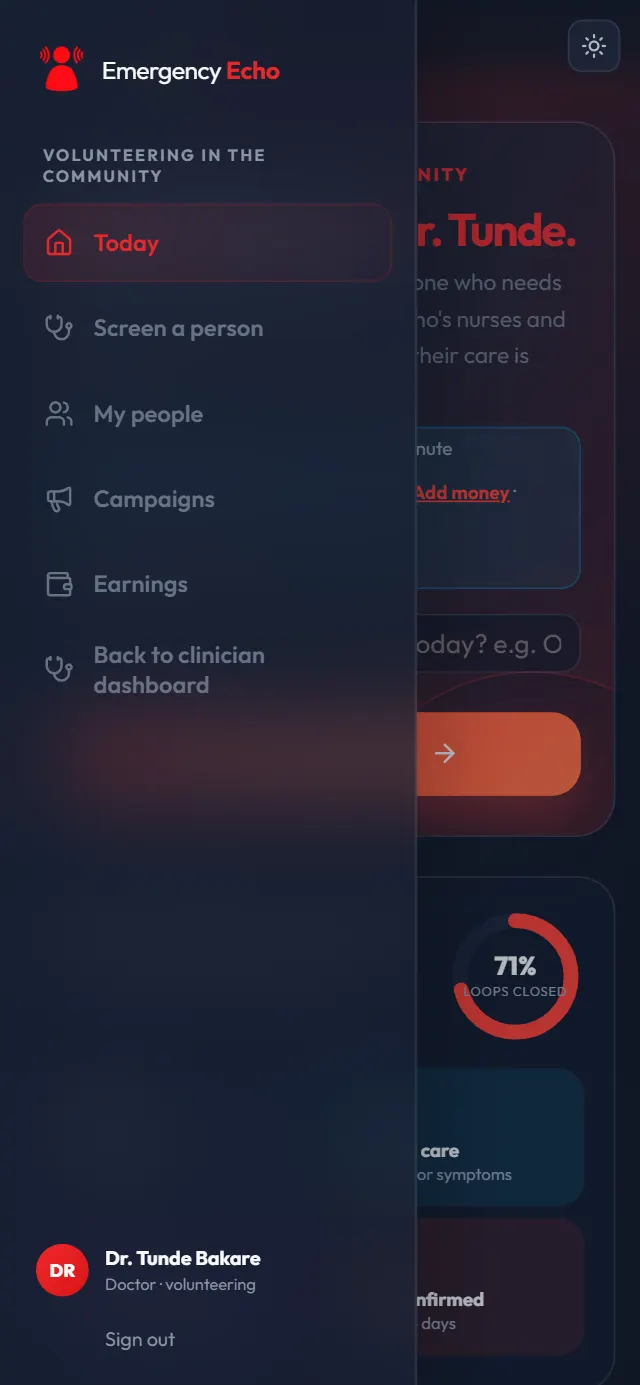
One tap back to your queue
If something goes wrong
I made a separate health worker account
You don't need it. Email support@emergencyecho.org to close it and volunteer from your doctor or nurse account.
I can't see someone I screened in my queue
That is on purpose: another clinician treats the people you screened.
Community volunteering is missing
Update the app, or reload the website. It is at the bottom of the clinician menu, or under More in the app.
Screens show a sample doctor, Dr. Tunde Bakare, with made-up details. Still stuck? Email support@emergencyecho.org.
Ready to start?
It takes a few minutes. Keep this guide open in another tab while you sign up.